
Point of sale · Kitchen display
The register and kitchen, finally talking.
Pantry POS runs your counter, tables and kitchen screens on the tablets you already have. Set up your restaurant in minutes.
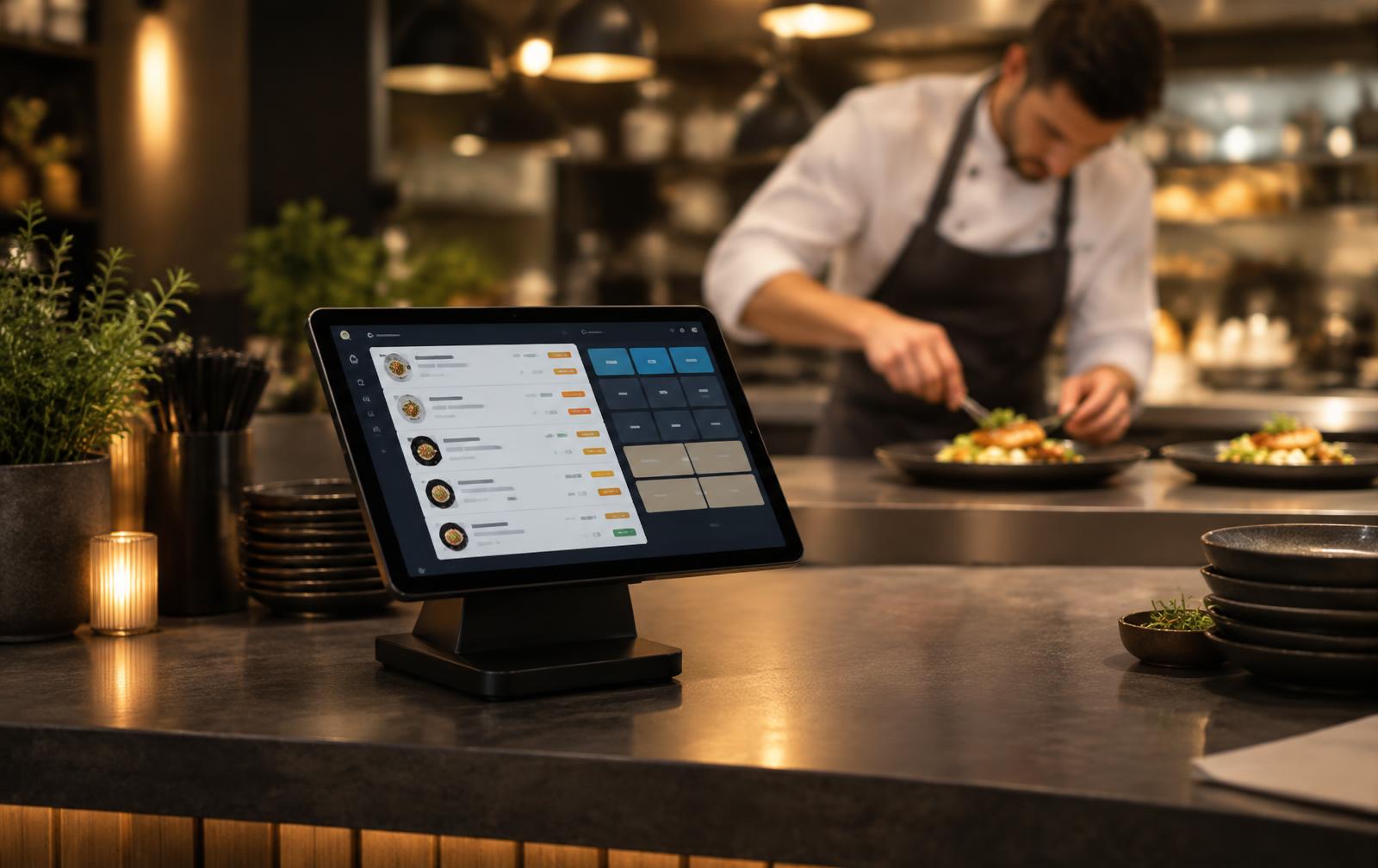
Everything a busy service needs
Fast register
Big buttons built for tablets. Dine-in, takeaway and tabs, with modifiers, notes and allergies.
Kitchen screens
Orders land on the right station — grill, cold, bar — the moment they're sent. Tick off each portion.
Always in sync
Every register and kitchen screen shares the same live orders. No double entry, no lost tickets.
Your floor plan
Drag tables into place, set seats and areas, and see at a glance what's preparing, ready or waiting to be paid.
Your menu
Add items, prices, categories and kitchen stations yourself. Mark anything sold out in one tap.
Staff PINs
Each staff member unlocks the register with their own 4-digit PIN, so every action is logged against a name.
Up and running in three steps
- Step 1
Sign up
Create your account and name your restaurant. You become the owner.
- Step 2
Add menu, tables & staff
Enter your items and prices, lay out the floor, and give each staff member a PIN.
- Step 3
Pair your tablets
Log in on the register. On each kitchen tablet, type the 6-letter pairing code — done.
Pricing
Free while in early access
Card payments and kitchen printers are not connected yet — orders, tables and kitchen screens are fully working. Paid plans will be announced before they start.